Introduction
For startup founders, time, money, and agility are everything. That’s why cross-platform application development is increasingly becoming the go-to choice for startups looking to launch apps on both Android and iOS quickly, efficiently, and cost-effectively.
This guide will take you through everything you need to know—from frameworks and budget to deployment strategies and mistakes to avoid—so you can make informed decisions and build a successful mobile presence from day one.
What Is Cross-Platform Development?
Cross-platform development refers to creating apps that can run on multiple operating systems (primarily Android and iOS) using a single codebase. This contrasts with native development, which requires separate codebases and teams for each platform.
Why Startups Should Choose Cross-Platform Apps
1. Faster Time to Market
A shared codebase drastically reduces development time.
2. Lower Development Cost
Fewer developers and resources are needed to support multiple platforms.
3. Wider Reach
Launch on Android and iOS simultaneously, expanding market penetration.
4. Easier Maintenance
Bugs and updates can be handled in one codebase, reducing overhead.
5. Unified User Experience
Consistency across devices builds trust and usability.
Native vs Cross-Platform: A Startup Perspective
| Factor |
Native |
Cross-Platform |
| Development Cost |
High (2 teams) |
Low (1 team/codebase) |
| Time to Market |
Slower |
Faster |
| Performance |
High |
Near-native (depends on framework) |
| UI/UX Flexibility |
Maximum |
Moderate to High |
| Code Reuse |
None |
Up to 90% |
Startups that need to validate an idea quickly or launch with a limited budget are better suited for cross-platform development.
Popular Cross-Platform Frameworks
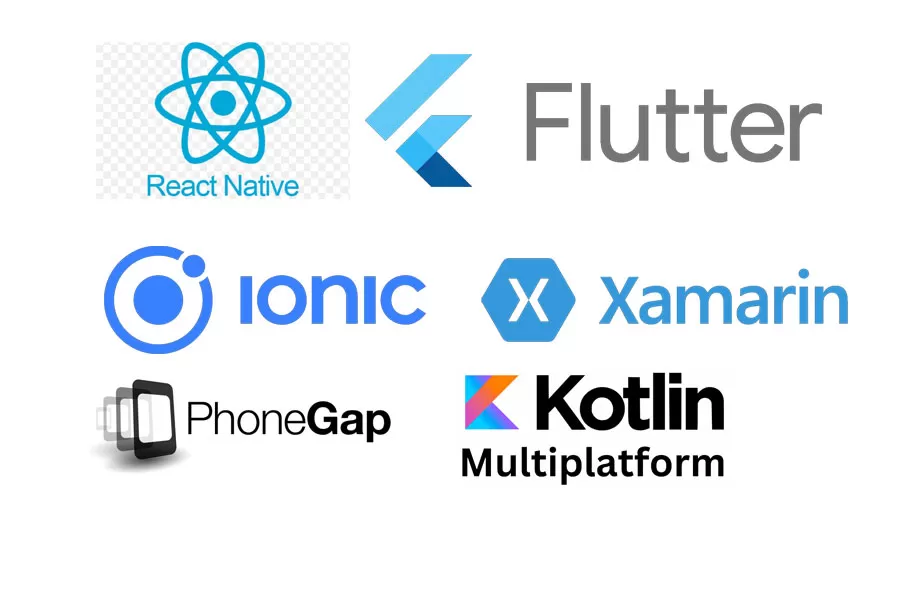
1. Flutter
· Developed by Google
· High-performance UI
· Suitable for MVPs and full apps
· Great community support
2. React Native
· Backed by Meta (Facebook)
· Reusable components
· Large ecosystem
· Integrates well with native modules
3. Xamarin
· Powered by Microsoft
· Uses C#
· Access to native APIs
· Ideal for .NET-focused startups
4. Ionic
· Web-based (HTML, CSS, JavaScript)
· Fast prototyping
· Lightweight apps
· Good for hybrid applications
Key Features of a Successful Cross-Platform App
· Responsive UI/UX
· Fast loading times
· Offline capabilities
· Push notifications
· Real-time synchronization
· Security & authentication
· Analytics integration
· Smooth navigation and transitions
The Cross-Platform App Development Lifecycle
1. Ideation & Discovery
o Market research
o User personas
o Feature definition
2. Wireframing & Prototyping
o Sketch, Figma, Adobe XD
3. UI/UX Design
o Responsive design
o Design system setup
4. Development
o Frontend using Flutter/React Native
o Backend APIs & database integration
5. Testing
o Manual & automated tests
o Real-device testing
6. Deployment
o App Store (iOS), Google Play (Android)
o CI/CD setup
7. Maintenance & Upgrades
o Monitoring
o Bug fixing
o User feedback integration
Choosing the Right Tech Stack
Frontend:
· Flutter
· React Native
· Ionic
Backend:
· Node.js
· Django
· Laravel
· Firebase (for MVPs)
Database:
· PostgreSQL
· MongoDB
· Firebase Firestore
· SQLite
APIs:
· REST
· GraphQL
CI/CD:
· Bitrise
· GitHub Actions
· Fastlane
UI/UX Design for Cross-Platform Applications
· Maintain consistency across platforms
· Follow platform guidelines (Material Design, iOS Human Interface Guidelines)
· Use adaptive layouts and flexible grids
· Focus on accessibility (color contrast, screen readers)
· Test on different screen sizes
Performance Optimization Techniques
· Use native modules when needed
· Avoid unnecessary re-renders
· Optimize animations